

Check the order journey at every part of the dining floor
Southern Railway’s Chennai division overview describes the MRTS corridor to Velachery. This railway setting inspires our original illustration; it is not an architectural drawing or a claim about current train services. For an on-site discussion, share your restaurant’s full address, floor and entrance details rather than the station name alone.
Local reference: Southern Railway: Chennai division overview. Use the restaurant exercises below with your own menu.
Make a small floor test map
Choose four real operating positions: beside the cashier, the farthest table, a table behind a partition and the kitchen handoff point. If your restaurant uses another floor, include it as a separate test position. Write each position on a simple sketch and record the phone used. Testing only beside the router leaves you without evidence about the places where captains actually enter orders. Use your own layout; this exercise does not assume every Velachery restaurant has the same floor plan.
Follow one order all the way to the kitchen
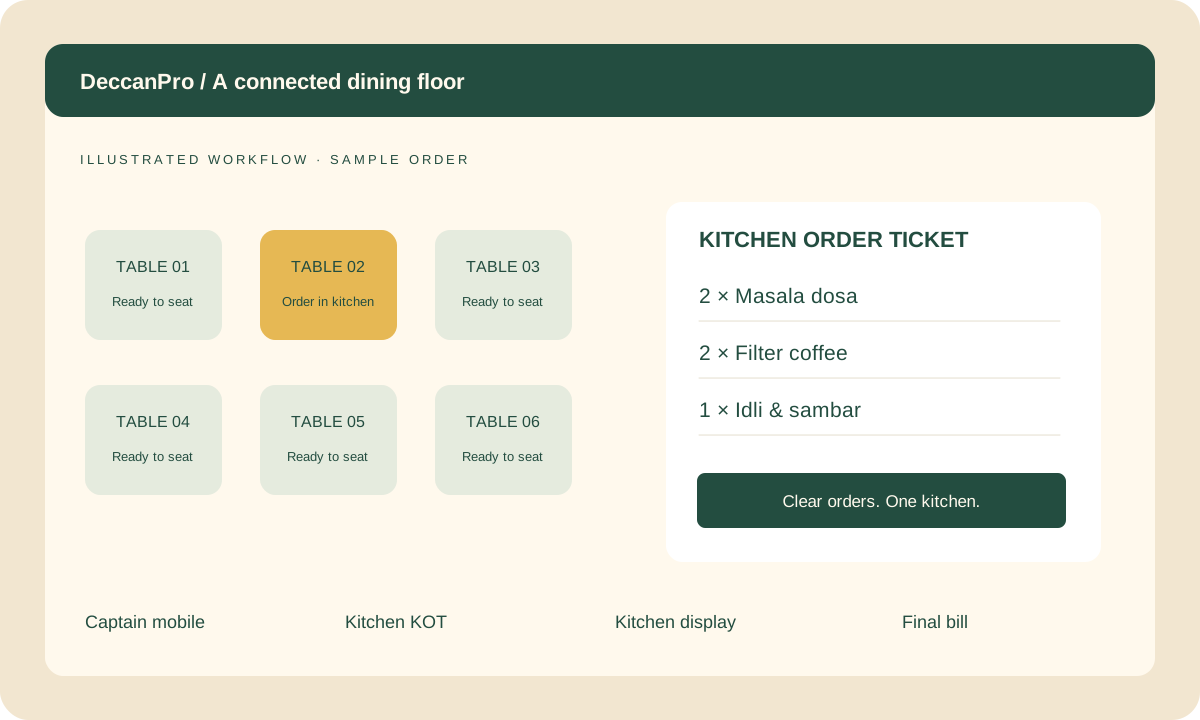
At each position, enter a distinct supervised practice order using the intended captain phone. Give the kitchen operator its reference and ask them to check the items and quantities. Record what the phone shows after submission and what the kitchen actually receives. A Wi-Fi symbol alone is not a completed order. Keep the exercises outside live service, or clearly separate test orders using the procedure demonstrated by the person configuring your restaurant.
Observe a delayed response without creating a duplicate
Agree a safe rehearsal with your setup technician for a connection interruption. Ask the captain to explain what they would do if the phone gives no clear submission result. Check the current order and kitchen receipt before pressing send again. Record who can decide whether a retry is appropriate. Ask to see the actual recovery behaviour in your proposed installation; do not assume offline storage, automatic synchronisation or duplicate prevention without demonstrating it.
Separate phone, network and kitchen observations
If a practice order does not arrive, write down the location, device, time, order reference and visible message. Check whether another captain phone at the same location can complete a separate test. Ask the technician to compare those observations with the cashier and kitchen device. Change one thing at a time so the next result is understandable. Avoid moving routers or changing network settings during a busy service just to see whether the problem disappears.
Agree a clear acceptance record
For each test position, record whether the captain received a clear result, the kitchen received the correct items and the cashier could find the order. Repeat a failed position after the agreed correction. Keep a named contact for unresolved equipment or connectivity issues and an agreed manual service procedure. Bring your phone models and existing router and printer details to the DeccanPro demo. The software is ₹6,000 per year with unlimited use and no setup fees; discuss any equipment purchases separately.
Prepare your Velachery demo
- A sketch with four operating positions
- Phone, router and kitchen device details
- One clearly identified practice order per position
- A supervised delayed-response exercise
- A written result and owner for each unresolved issue
