
One order, two kitchen stations, one clear handoff
Porur flyover appears in Chennai Metro’s published local road information and inspires our original junction illustration. When arranging a restaurant visit, send the street, entrance and a nearby landmark as well as “Porur”. The reference identifies the location; check current access directly before travelling.
Local reference: Chennai Metro: Porur service-road reference. Use the restaurant exercises below with your own menu.
Draw the handoff before adding devices
On paper, mark the dining tables, cashier, hot-food station, drinks counter and collection point in your own restaurant. Draw the route taken by one captain carrying an order. Circle each place where somebody currently repeats an instruction aloud. Choose one of those handoffs for the demo, and decide who must acknowledge it. This gives you a specific reason to evaluate captain mobile, kitchen KOT printing or a kitchen display instead of buying equipment without a clear job for it.
Run a mixed order with a delayed drink
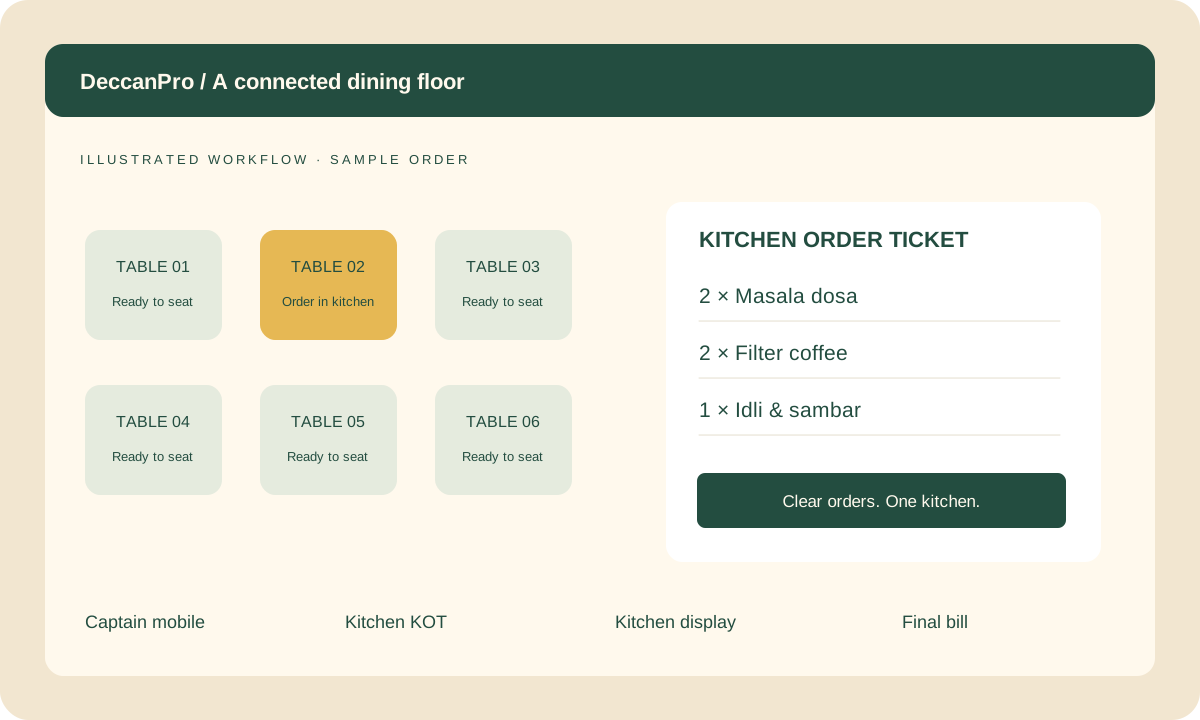
Use a practice table with two dosas and two coffees. Ask the captain to enter the order and the kitchen team to identify its reference, quantities and table. Let the food reach the pass while the coffees are still being prepared. Ask who will notice the incomplete order and who will communicate it to the captain. If you need separate station routing or item-level readiness, request a demonstration of that exact setup; do not assume a general kitchen screen provides every routing or tracking option.
Introduce a second round without repeating the first
Once the first food has been handed over, add one more dosa. Compare the initial kitchen instruction with the new instruction and the running table order. The cook should be able to explain which quantity is new before preparing anything. Now simulate a verbal request that was never entered. Agree that the captain checks the recorded order before repeating it. Finish by comparing the bill with three dosas and two coffees, using the prices in your own sample menu.
Choose a visible place for the kitchen instruction
Read a sample ticket or display from the position where the cook actually works. Check lighting, safe distance from heat and splashes, paper access and the route used by the person collecting dishes. A screen hidden behind stacked containers is a handoff problem even if the software works. Record where the printer or display will sit, who watches it and who handles unclear instructions. Use the detailed hardware-placement guide before moving equipment during service.
Turn the rehearsal into a go-live decision
Keep a short result sheet: did both stations identify the order, was the delayed drink noticed, was the extra dosa prepared once, and did the final bill agree? Repeat any failed step with the person who will operate it. Take anonymised menu examples and device model details to the demo. DeccanPro is ₹6,000 per year for unlimited software use, with no setup fees or hidden software charges; list any required hardware purchases separately.
Prepare your Porur demo
- A floor sketch showing two preparation stations and the pass
- A two-dosa, two-coffee practice order and one later dosa
- A named person checking incomplete handoffs
- A readable ticket or display at the actual work position
- A final bill checked against both order rounds
