

Prepare the restaurant itself for an on-site POS demonstration
The municipal description of Pammal identifies the Pallavaram–Kundrathur road connection. Its official website also features the Pammal water tank, which inspires the original neighbourhood illustration here. These are local reference points, not a route map or an indication of a DeccanPro branch. Our Chennai team visits restaurants by arrangement from Mount Road; confirm the appointment for your exact location.
Local reference: Pammal municipal website: locality and civic landmarks; Pammal municipal area description: road connection. Use the restaurant exercises below with your own menu.
Send an entrance description that resolves the last turn
For a restaurant approached from the Pallavaram–Kundrathur corridor, give the street containing the actual entrance as well as the postal address. Note a side-lane entrance, upper floor or separate kitchen access if applicable. Share a map pin together with the restaurant name and a contact who can explain the entrance. A broad Pammal landmark may get a visitor to the neighbourhood without identifying your doorway. Confirm arrival arrangements directly; this guide does not estimate current traffic, parking availability or journey time.
Choose the people and the practice window
Arrange a time when your cashier, a captain if you use one, and a kitchen representative can each complete a short supervised order. Discuss the restaurant’s quiet period with the team rather than assuming a fixed time works for every Pammal business. DeccanPro’s contact hours are daily, 9 AM–6 PM; an on-site appointment still needs confirmation. Decide who can approve menu corrections and equipment choices, and have that person available for the final review.
Prepare five menu items and one receipt
Select five actual dishes that expose different work: a standard item, a portion variation, an extra side, a takeaway item and a drink ordered later. Write their names, quantities and prices on a preparation sheet. Bring a sample receipt with unnecessary customer information removed. This gives the cashier something familiar to check while the cook judges whether printed names are understandable. Keep the demonstration order clearly separate from live sales using the agreed training procedure.
Make your existing equipment available for a real check
List the counter computer, printer model and connection, captain phones, kitchen display and router you already have. Note where each device will be used and whether power and network access are available there. Ask the demonstrator to print on the intended printer and enter a phone order from a real dining position. If equipment cannot be tested during the visit, record that gap; a successful demonstration on someone else’s device is not proof that your own setup is ready.
Finish with one complete order and an exception
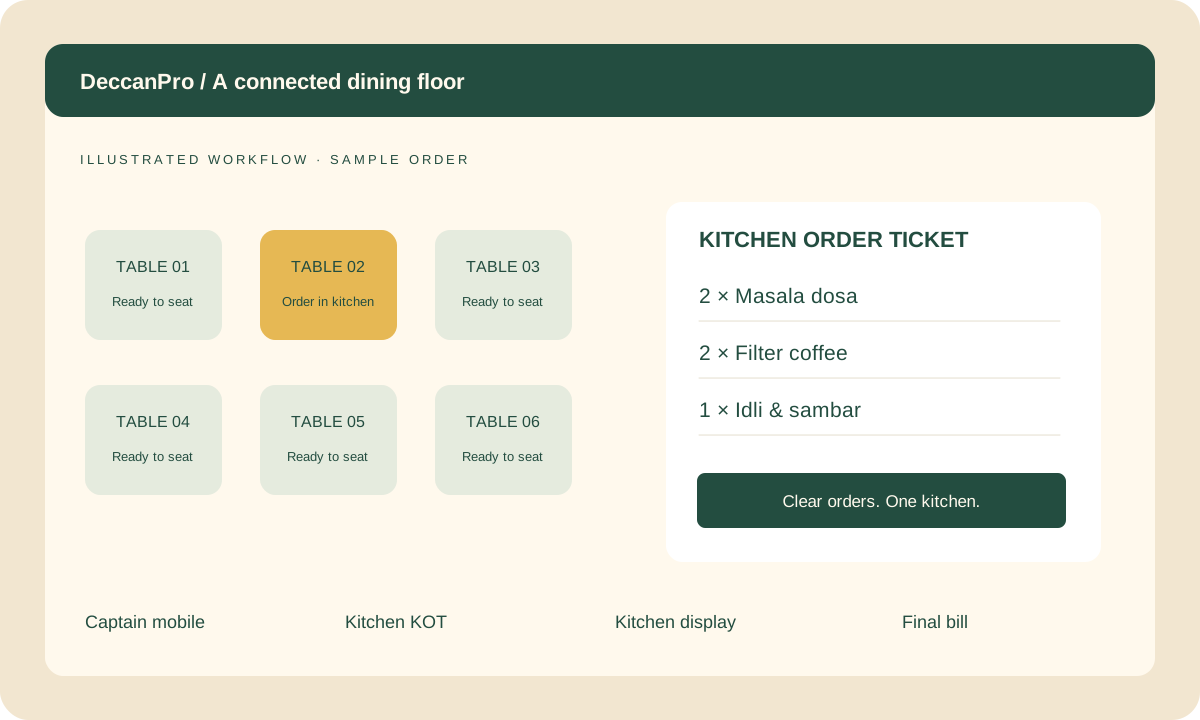
Enter the five-item practice order, inspect the kitchen record, add another drink and rehearse an agreed correction before preparation. Have the cashier explain the final quantities without being coached. Use the free KOT rehearsal checker to calculate the expected numbers separately from what the software displays. Confirm the order reference and read the full kitchen sequence, including updates: the final quantity is not a new instruction to prepare food again.
Leave with a short decision record
Write down what worked on your equipment, what remains untested and who will resolve each open item. Separate the ₹6,000 annual software plan, which has unlimited use and no setup fees, from any equipment purchasing decision. Keep the menu sheet, sample print and final quantities together for staff training. When requesting your Pammal visit, send the entrance details, device list and preferred practice window so the discussion can focus on your restaurant’s actual requirements.
Prepare your Pammal demo
- Restaurant name, map pin, actual entrance street and floor
- An agreed appointment and cashier, captain and kitchen participants
- Five real menu items and an anonymised receipt
- Printer model, phone and network details
- A complete practice order plus one agreed correction
- A written list of verified results and unresolved equipment checks
