
Make a quieter dining room’s kitchen communication clear
Santhome Basilica’s tall white spire is a familiar Chennai landmark and the inspiration for this illustration. When arranging a restaurant demo, provide the street and entrance details rather than assuming a landmark names the precise location.
Local reference: Incredible India: Chennai landmarks. Use the restaurant exercises below with your own menu.
Place the display for the cook, not the customer
Sketch the line of sight from the preparation area to the proposed kitchen screen. Read a sample order from the real working position. Check text size, glare and whether someone standing in front of the counter could block the view.
Set a voice level that suits the room
If you want announcements, test them from the kitchen and from a dining table. Check that staff can understand the order without making the dining room uncomfortable. Confirm the available settings in the demo and keep the source ticket or display readable.
Check acknowledgement as a team action
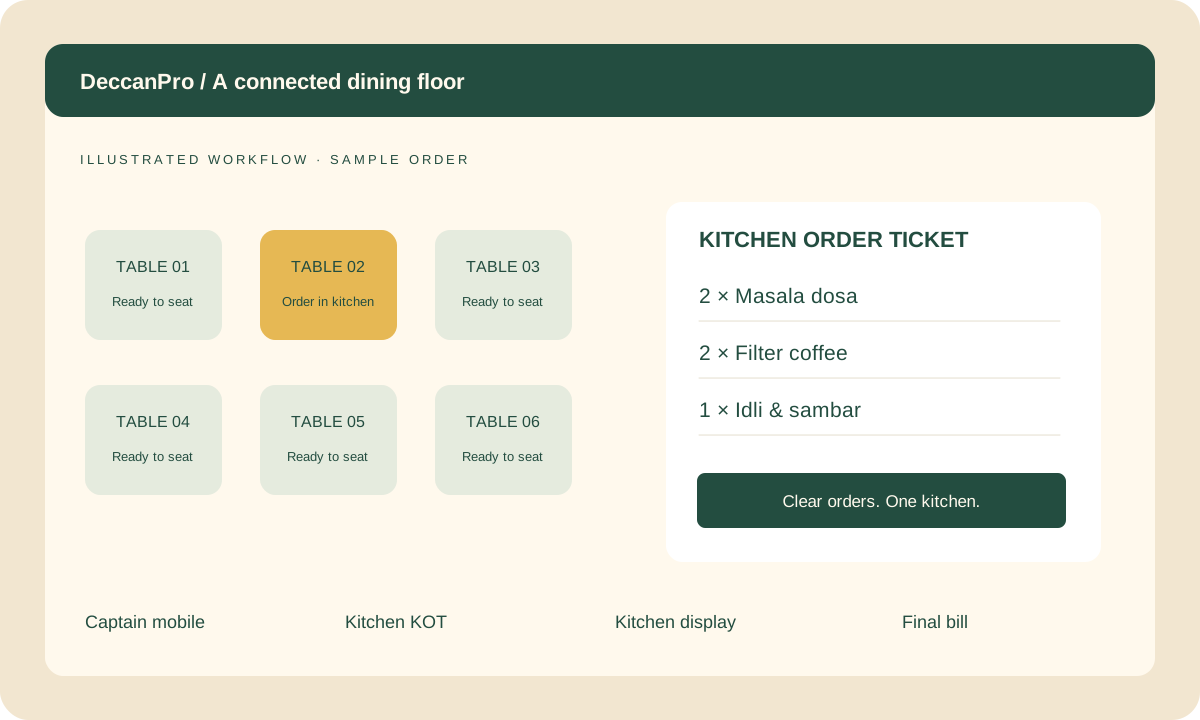
Give a captain one added item after the first kitchen instruction. Ask the cook to confirm receiving it. A sound playing or a ticket printing is not the same as a person noticing the change; agree how that acknowledgement happens in your service.
Prepare your Santhome demo
- Screen sightline from preparation
- A readability check under normal lighting
- A voice-level check from the dining room
- A staff acknowledgement routine
