

Check portion names before a busy meal service
Madras Institute of Technology lists its campus address in Chromepet, Chennai. That educational setting inspires our original campus illustration. DeccanPro visits restaurants in the area by arrangement from the Chennai team. Share your own building entrance, street and floor when booking; a campus or station landmark alone may not identify the correct restaurant entrance.
Local reference: Madras Institute of Technology: campus contact details. Use the restaurant exercises below with your own menu.
Write the portion difference before entering the menu
Choose two real dishes whose names differ mainly by portion, such as a mini meal and a full meal. On a preparation sheet, write the exact name, selling price and what each portion includes. Give an extra portion of rice or a separate side its own agreed description if your restaurant sells it separately. The exercise is about making your existing offer clear; it does not assume any particular meal combination or portion policy for Chromepet restaurants.
Enter a mixed order that exposes similar names
Ask the captain to enter one mini meal, two full meals and one extra side as a supervised practice order. Do not guide them to the right button immediately: observe whether the menu names are understandable to the person taking the order. Read back the quantities before sending. Record any two buttons that staff confuse and change the menu wording through the supported setup process. Confirm whether your intended setup uses distinct items or another demonstrated portion option.
Read the actual kitchen ticket at its working position
Print the sample on the intended KOT printer. Ask the kitchen operator to identify all three meal portions and the separately ordered side from the ticket alone. Check the longest dish name, line wrapping and quantities in the kitchen’s normal reading position. If a short printed name is necessary, agree a unique one with the cook and cashier. Two different portions should not become indistinguishable after their names wrap or are shortened.
Change one portion before food is prepared
Rehearse a guest changing the mini meal to a full meal before preparation begins. Ask the demonstrator to show the supported correction and how the kitchen learns which earlier instruction has changed. The expected final order is three full meals and one extra side. Check the running bill and kitchen record together. This is an acceptance exercise: do not assume the application automatically implements your preferred cancellation, substitution or approval procedure without seeing it work.
Add a side after the first round
Enter one more separately priced side after the meal order has reached the kitchen. The final order should now contain three full meals and two sides. Check that the new kitchen instruction is understandable and that staff do not prepare the meal order again. Use your restaurant’s actual prices to calculate the expected item subtotal independently: three times the full-meal price, plus twice the side price. Review other configured charges separately with the person responsible for your billing setup.
Repeat the exercise with the next operator
Have a second member of staff perform the same sequence using the agreed names. Keep the first ticket, the correction and the final bill together so you can compare the result. Record ambiguous labels, printer-readability issues and any action that needed help. Use that list for training before live service. For your Chromepet demo, bring the menu preparation sheet and printer details. DeccanPro is ₹6,000 per year with unlimited use and no setup fees; discuss equipment requirements separately.
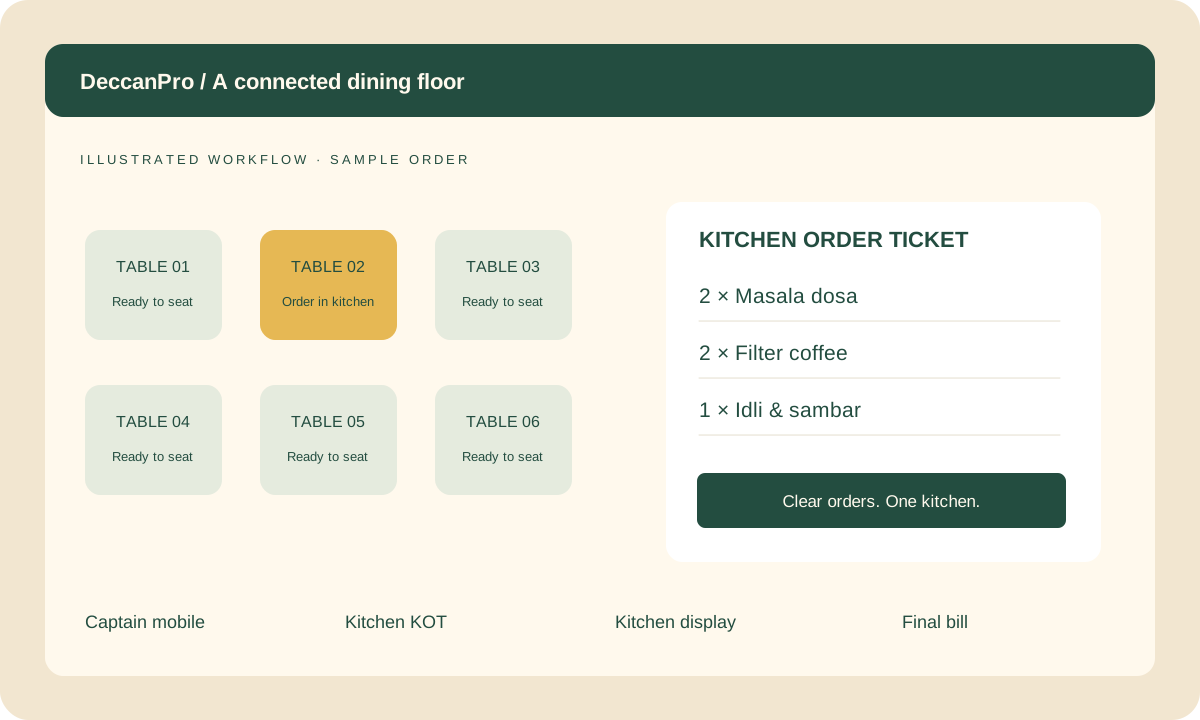
Prepare your Chromepet demo
- Two clearly named portions with written prices and inclusions
- A mixed order entered by the actual operator
- A real KOT print checked at the kitchen position
- One portion change before preparation
- One later side order checked against an independent subtotal
- A second operator repeating the full exercise
